The Importance of a Retail POS System: Why Your Shop Needs One
Transform your checkout speed, eliminate inventory shrinkage, verify M-Pesa payments automatically, and gain real-time profit visibility with a modern Point of Sale (POS) system.
Key Takeaways at a Glance
- What a Retail POS Does: Unifies barcode checkout, M-Pesa STK Push payment verification, live stock deduction, customer store credit (Lipa Baadaye), and daily P&L reporting.
- Profit Protection: Stops the 4%–7% monthly revenue leakage caused by unrecorded cash sales, pricing mistakes, fake M-Pesa confirmation messages, and forgotten customer debts.
- Offline Resilience: Progressive Web App (PWA) caching lets cashiers continue ringing up sales during internet blackouts and syncs automatically once connectivity returns.
- Low Hardware Barrier: Runs on existing Android phones, tablets, laptops, or desktop PCs alongside standard 58mm/80mm thermal printers and USB/Bluetooth barcode scanners.
What Is a Retail POS System and Why Is It Essential?
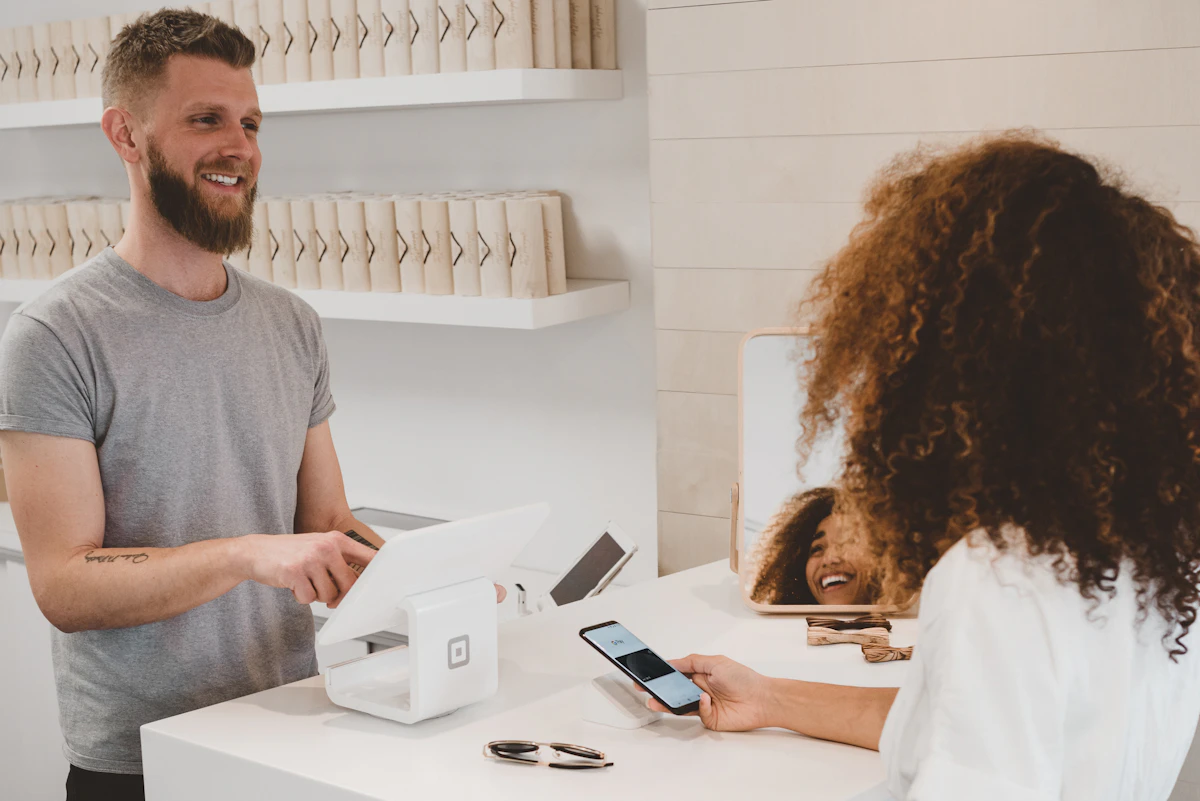
A Retail POS (Point of Sale) system is the software and hardware hub where a shop rings up customer purchases, accepts Cash or M-Pesa payments, prints receipts, and updates stock balances in real time. In today's fast-paced retail environment, relying on manual cash registers and handwritten counter books leads to arithmetic errors, unrecorded sales, and stockouts. From neighborhood dukas to multi-lane supermarkets, pharmacies, and hardware stores, a POS system connects front-counter checkout speed with back-office inventory and profit control.
Common Retail Problems Solved by a POS System
The Problem: Slow Checkouts
Manual price lookups and calculator mathematics cause long queues during evening rush hours, leading to frustrated customers and abandoned purchases.
The Solution: Barcode Scanning & Quick Keys
A POS system retrieves exact product pricing and VAT via USB/Bluetooth barcode scanning or camera scanning, completing checkouts in seconds.
The Problem: Inventory Shrinkage
Without automated stock deduction, products go missing due to unrecorded sales, sweethearting, expiry, or supplier short-deliveries.
The Solution: Real-Time Stock & Audit Trails
Every completed sale deducts from digital stock automatically. Low-stock alerts and expiry warnings ensure you restock top-sellers on time.
The Problem: Messy M-Pesa & Debt Accounting
Reconciling cash, M-Pesa Till messages, and customer credit (Lipa Baadaye) at the end of a busy day takes hours and invites errors.
The Solution: Automated M-Pesa & P&L Reports
Trigger direct M-Pesa STK Push prompts at checkout and view instant dashboards showing daily revenue, payment mix, expenses, and net profit.
How an Offline-First Cloud POS Works Behind the Scenes
A modern cloud-based POS operates reliably even when mobile data or fibre internet drops. Using offline-first Progressive Web App (PWA) storage, cashiers continue scanning barcodes, calculating totals, and saving transactions locally on the device. Once connectivity returns, the POS automatically synchronizes the offline queue with the cloud server.
Furthermore, role-based access control ensures that cashiers only access the checkout register and their personal shift totals, while shop owners retain exclusive visibility over weighted-average cost prices, gross profit margins, stock adjustments, and historical trends.
4 Key Business Benefits for Kenyan Shop Owners
- Data-Driven Restocking: Identify your fastest-moving items and highest-margin products instead of tying up working capital in dead stock.
- Cashier Accountability & Fraud Prevention: Digital logs for every sale, void, return, and stock count hold staff accountable and protect your margins.
- Verified M-Pesa & Store Credit: Eliminate fake M-Pesa SMS screenshots with direct STK Push prompts and structured Lipa Baadaye credit limits.
- Effortless Multi-User Scalability: Add a second cashier counter or monitor your shop remotely from your phone without buying expensive local servers.
How to Switch Your Shop from Counter Books to a POS in 4 Steps
- Create Your Shop Account: Start a 14-day free trial and select your retail vertical (Supermarket, Mini-Mart, Pharmacy, Hardware, or Agro-Vet).
- Load or Import Your Products: Start immediately with pre-loaded Kenyan retail starter items or upload your existing product price list via CSV/Excel.
- Connect Your Barcode Scanner & Printer (Optional): Plug in any USB/Bluetooth barcode scanner and 58mm/80mm thermal printer—or use your phone camera to scan barcodes.
- Ring Up Sales & Track Daily Profit: Accept Cash, M-Pesa STK Push, or customer store credit, and receive nightly WhatsApp owner digests.
Frequently Asked Questions About Retail POS Systems
What is a retail POS system and how does it work in Kenya?
A retail Point of Sale (POS) system combines checkout software, barcode scanning, receipt printing, M-Pesa payment verification, and live inventory deduction into one system. Every time a cashier rings up an item, stock levels and profit reports update automatically.
How does a POS system stop stock shrinkage and cashier leakage?
A POS system enforces fixed product pricing at the counter, records an immutable audit trail for every sale, void, return, and stock adjustment, and reconciles M-Pesa STK Push payments against actual till receipts.
Can a small duka or mini-mart transition from counter books to a POS in one day?
Yes. Modern cloud POS systems like Retail POS include pre-loaded Kenyan retail starter catalogs and 1-click CSV/Excel product import, allowing a shop owner to start ringing up barcode and M-Pesa sales on their existing phone, tablet, or laptop within minutes.
Ready to upgrade your retail operations?
Start your 14-day free trial in 60 seconds with sample Kenyan retail products pre-loaded, or book a guided setup session with our team.